


Product

Integration

Shopify
Learn More


Wordpress
Learn More

Custom Store
Learn More
Chatmyer Announcements
Websites often rely on popups, slide-ins, or sticky banners to display urgent updates — but let’s face it: they’re usually intrusive, easily dismissed, and often blocked. That’s where Chatmyer Announcements shine. They let you display important updates — like holiday hours, ongoing sales, or service alerts — directly inside the live chat widget homepage, where your visitors are already engaging.
Why Announcements Are Better Than Popups or Banners
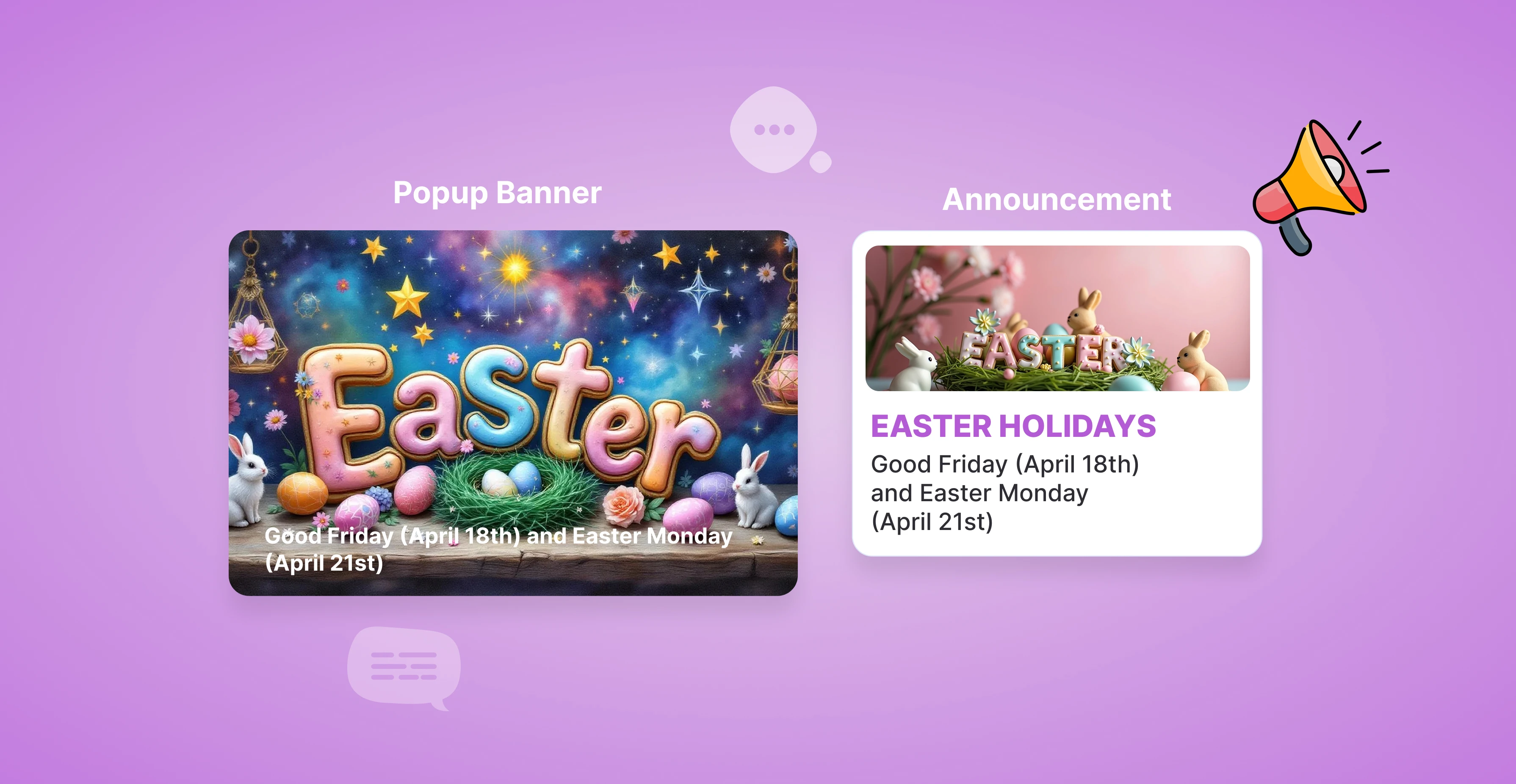
Chatmyer Announcements give you a clean, effective way to highlight business updates without interrupting your visitors. Learn why they outperform traditional popups and banners in both user experience and impact
🚫 The Problem with Popups & Banners
| Method | Issues |
| ❌ Popups |
Interrupt user flow, increase bounce rate, may get blocked by browsers |
| ❌ Banners |
Often ignored, take up screen space, conflict with site layout |
| ❌ Slide-ins |
Distract attention, can annoy repeat visitors |
While these methods grab attention, they often create friction — especially on mobile, where screen space and patience are limited.
✅ Why Chatmyer Announcements Are Better
1. 📍 Perfect Positioning — No Disruption
Announcements appear inside the chat widget homepage, not over your content. That means:
-
No blocking CTAs or forms
-
No forced dismissals
-
No “Where’s the X?” moments
The message is visible only when the visitor opens the chat — right when they’re ready to listen.
2. 👀 Guaranteed Visibility Where It Matters
Popups can be missed or closed immediately. Sticky banners fade into the background.
Chatmyer Announcements are shown front and center in the widget — a space already associated with help, support, and updates — leading to higher engagement and trust.
3. 📱 Designed for Mobile & Desktop Alike
No resizing issues. No screen takeover.
Chatmyer announcements look sleek and readable across devices — fully responsive and part of a familiar UI flow.
4. 🖼 Rich Content Support
-
Add a title to grab attention
-
Include a description for context
-
Upload an image (promo graphic, warning icon, etc.)
This flexibility turns a simple message into a mini-campaign, announcement, or alert.
5. 🎯 Highly Relevant, Always Contextual
Since the widget is often opened when visitors have questions or concerns, announcements here feel natural — not forced. That makes your message more welcome and better remembered.
🔍 Example Use Cases
| Situation | Traditional Method | Chatmyer Advantage |
| Black Friday Sale |
Popup → Closed Quickly |
Widget Announcement → Seen with intent |
| Support Offline Notice |
Banner → Missed |
Widget Announcement → Clear before chatting |
| Holiday Closure |
Overlay → Disruptive |
Widget → Non-intrusive and expected |
| Feature Launch |
Slide-in → Annoying |
Widget → Informative without interruption |
✅ Final Thoughts
If you’re looking for a smarter way to notify visitors — without interrupting them — Chatmyer Announcements are the better way to go:
-
Subtle, yet highly visible
-
Fully customizable
-
No disruption, just clear communication
-
Designed for modern UX, not pop-up fatigue
💡 You don’t need to shout to be heard.
With Chatmyer Announcements, you communicate with clarity, not chaos.
Similar Topics
Tue, 15 Jul 2025
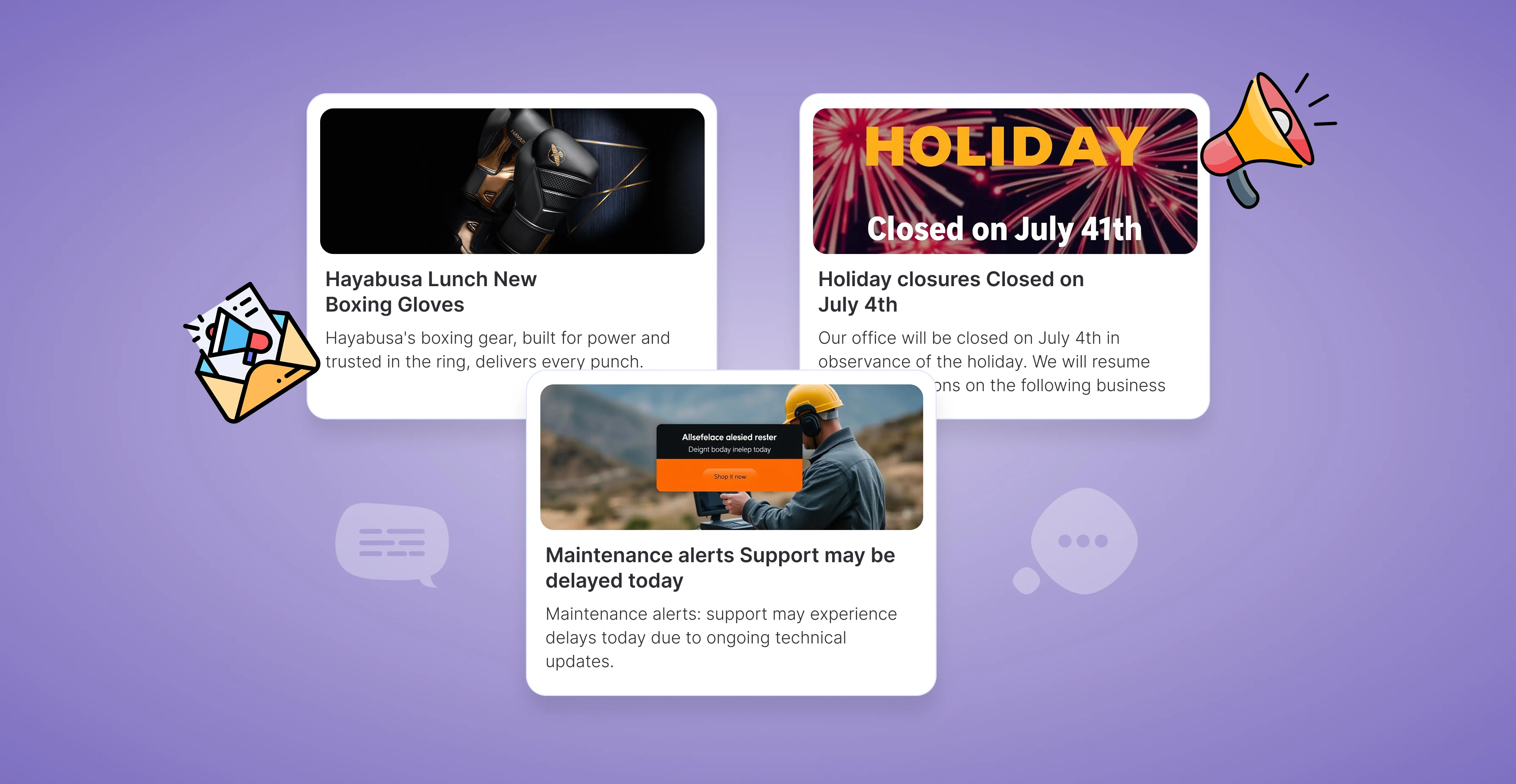
How to Use Chatmyer Announcements to Share Important Updates
Chatmyer’s Announcement module lets you highlight urgent or important messages directly on your chat widget homepage. Learn how to create, manage, and update announcements your visitors can’t miss.

Tue, 15 Jul 2025
How to Use Announcements to Boost Sales & Conversions
Chatmyer Announcements help you highlight promotions, discounts, and limited-time offers in a high-visibility, low-distraction way — directly inside your chat widget. Here’s how to turn them into sales drivers.
.webp?w=2400&h=960&fit=cover&q=90)
Tue, 15 Jul 2025
Using Announcements for Internal Status Updates (If Widget is Internal)
If you’re using Chatmyer internally — for employee IT support, HR assistance, or internal communication — you can use Announcements to broadcast important updates like outages, policy changes, or urgent notices.



Browser

Android

Ios

Windows

Mac