


Product

Integration

Shopify
Learn More


Wordpress
Learn More

Custom Store
Learn More
Chatmyer Live Chat System
Chatmyer’s Live Chat feature is designed to provide seamless, real-time support to your customers directly from your website. Once the widget is installed, your customers can initiate conversations, and your support team can respond efficiently from the dashboard. Here’s how it works step by step:
How Chatmyer Live Chat Works
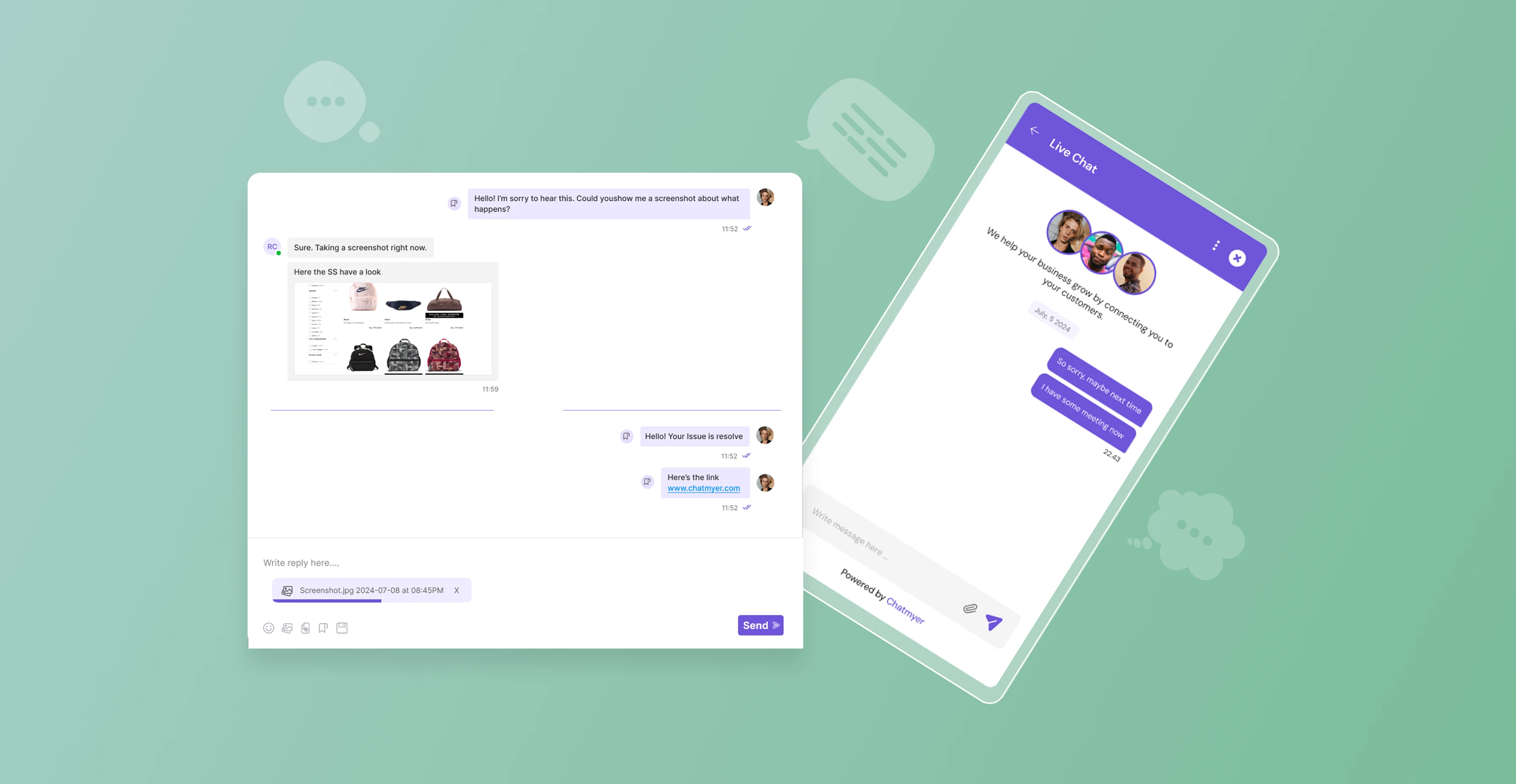
Learn how Chatmyer Live Chat enables instant conversations between your website visitors and support agents, how chats are initiated, managed, and closed with review options.
🧩 Step-by-Step Workflow
1. Customer Starts a Conversation
Once the Chatmyer widget is installed on your website:
A live chat bubble appears on your site.
When a customer clicks it, they are prompted to enter their name and email address.
After entering their details, they can type and send their first message.
2. Agent Notification
-
As soon as the first message is sent, your Chatmyer dashboard receives a notification.
-
The conversation appears under the “Unjoined Chats” section for agents.
3. Agent Joins the Chat
-
An agent must explicitly join the conversation before replying.
-
Once joined, the system marks the agent as “Active in Conversation”.
-
The customer sees the agent’s name and knows who they’re chatting with.
4. Multi-Agent Support
Multiple agents can join the same conversation if needed.
This is helpful for collaborative troubleshooting or handover between departments.
5. Live Conversation
Once connected, both parties can chat in real time.
-
Agents can send replies, share links, or even guide users using canned responses or knowledge base links.
6. Ending the Conversation
Either the agent or the customer can close the conversation once the issue is resolved.
The customer gets an option to rate the support and leave a review
The conversation is marked as Resolved in the system.
7. Conversation History
-
Chatmyer treats every conversation as an individual thread.
-
Both agents and customers can access past conversations from their dashboards anytime.
-
This improves transparency, follow-ups, and reference for future issues.
✅ Key Features Recap:
-
Easy chat initiation from website
-
Agent approval before response
-
Multi-agent collaboration
-
Customer-visible agent identity
-
Chat history preserved
-
Post-chat review system
💡 Best Practices
-
Encourage agents to join chats promptly to avoid customer wait time.
-
Personalize responses once you join, using the customer’s name.
-
Always aim to close conversations courteously, prompting for feedback.
-
📍 Need Help Setting Up the Chat Widget?
Refer to our guide: How to Install Chatmyer Widget on Your Website
Similar Topics
Mon, 14 Jul 2025
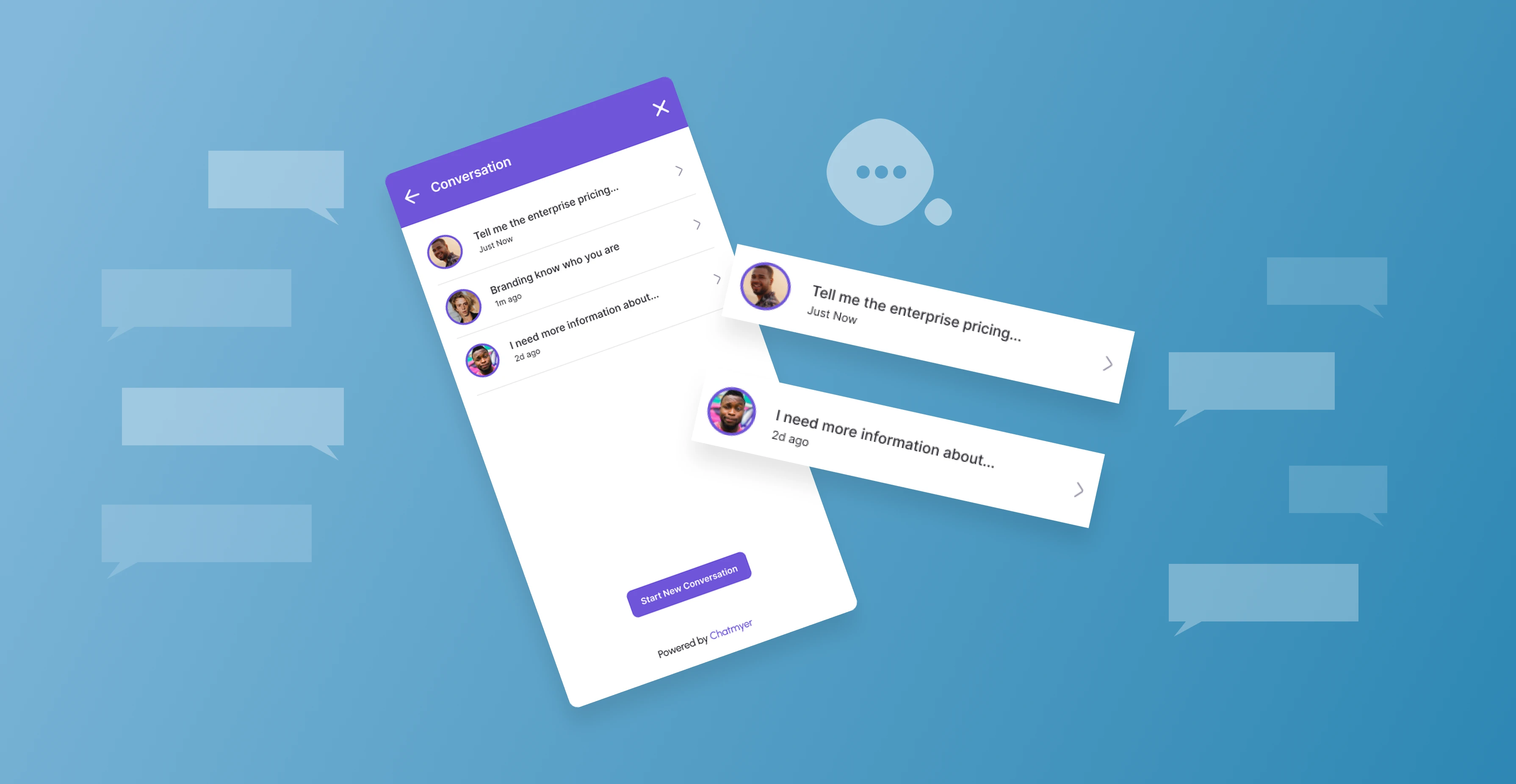
How Long Chatmyer Saves Conversation History
Saving conversation history is a fundamental part of any support system. It allows both agents and customers to refer back to previous discussions, track resolutions, and maintain a record of ongoing issues or recurring requests. Chatmyer provides a reliable and transparent system for retaining your chat data.
Mon, 14 Jul 2025
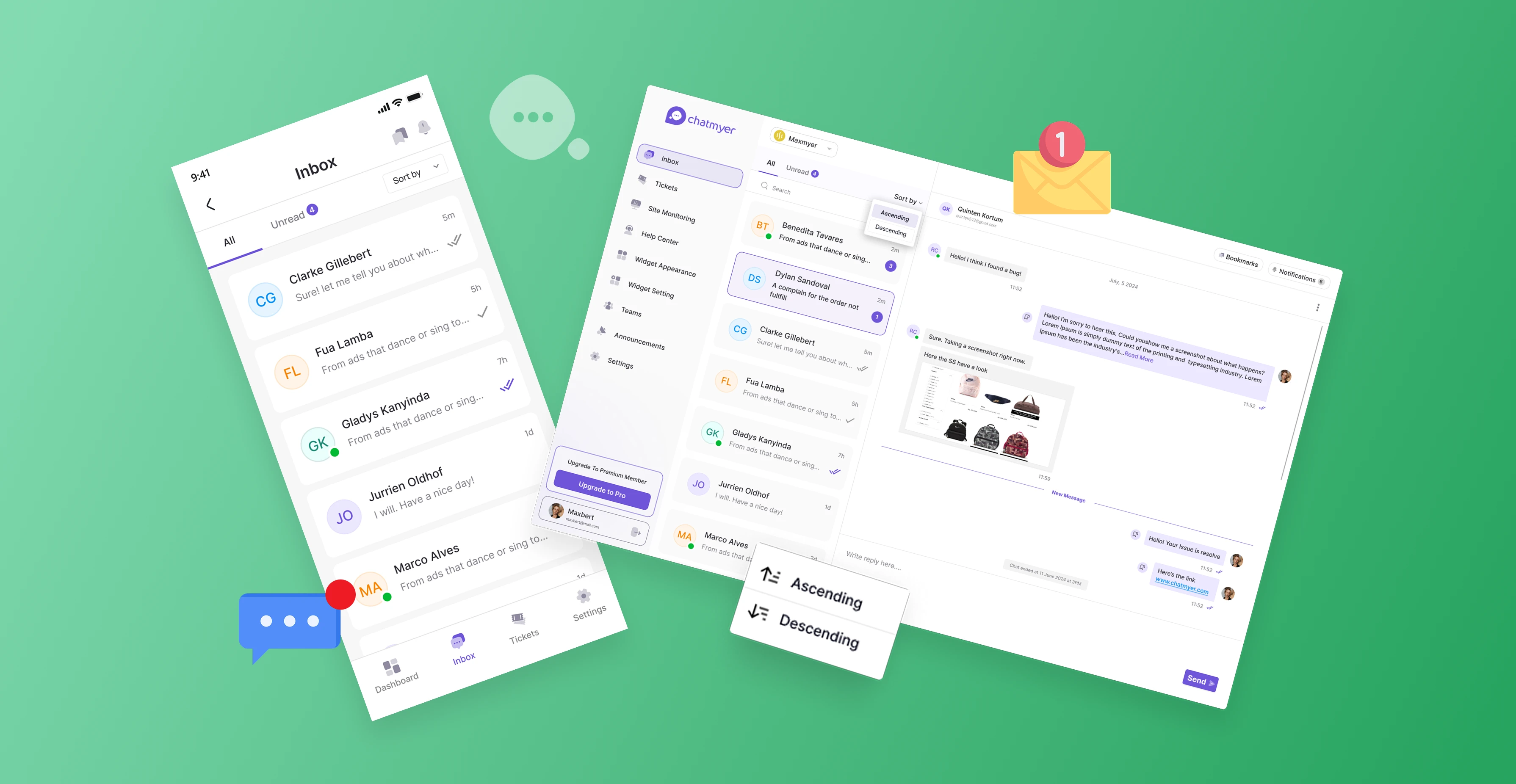
How to Get the Most Out of Chatmyer Live Chat System
Live chat has become more than just a support tool — it’s now a critical part of delivering a smooth customer experience and driving conversions. Chatmyer helps you engage with customers in real-time, answer their questions instantly, resolve their issues faster, and build stronger relationships. When used effectively, Chatmyer can enhance your support process and directly impact your bottom line.
Mon, 14 Jul 2025
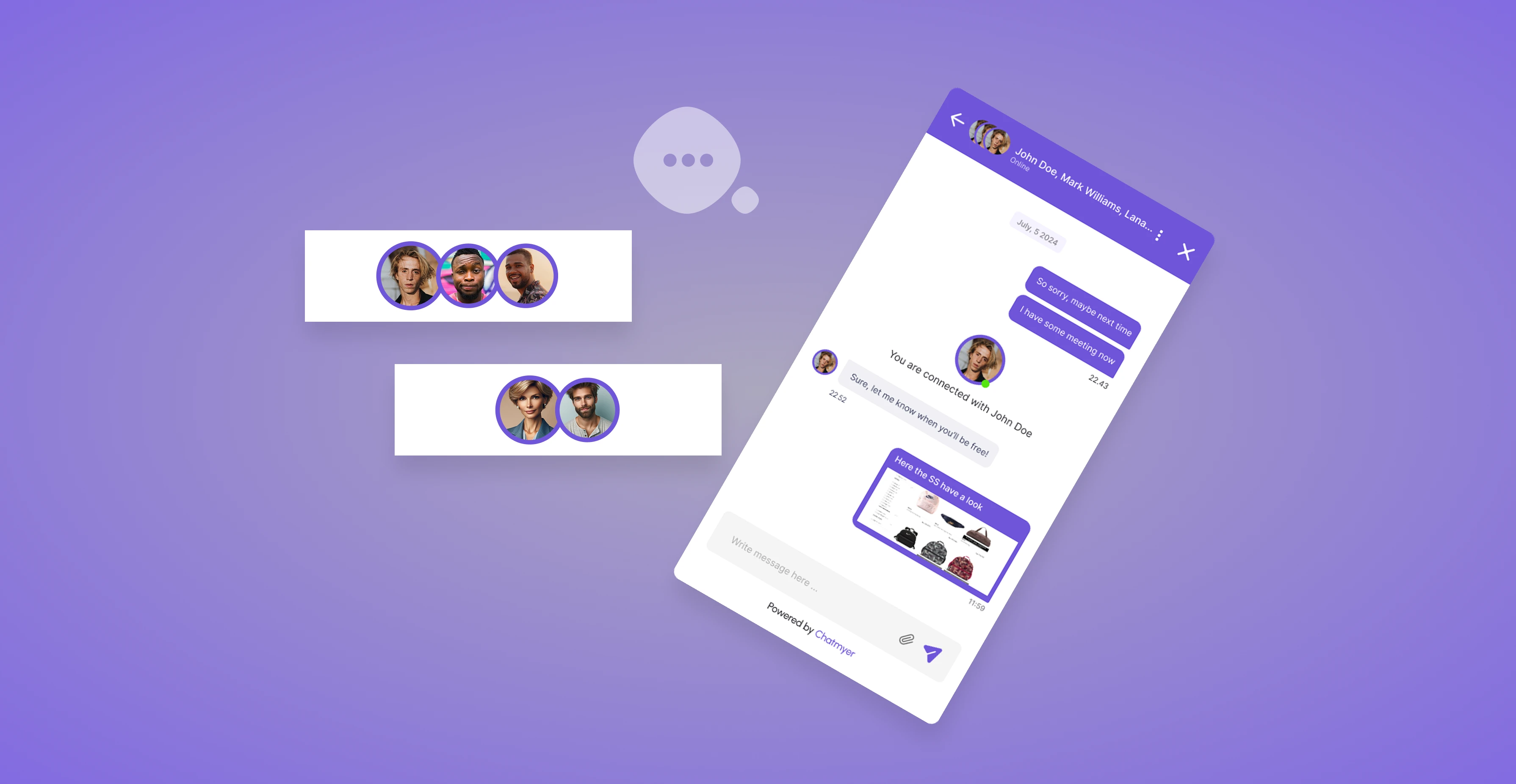
Multi-Agent Chat Support: How Collaboration Works
Some customer queries require collaboration from multiple departments or team members. That’s why Chatmyer supports multi-agent chat conversations, where more than one agent can join and assist a single visitor — just like a group chat from the agent’s side.



Browser

Android

Ios

Windows

Mac